> For the complete documentation index, see [llms.txt](https://docs.openbrush.app/llms.txt). Markdown versions of documentation pages are available by appending `.md` to page URLs; this page is available as [Markdown](https://docs.openbrush.app/user-guide/using-plugins/example-plugins/example-pointer-plugins.md).
# Example Pointer Plugins
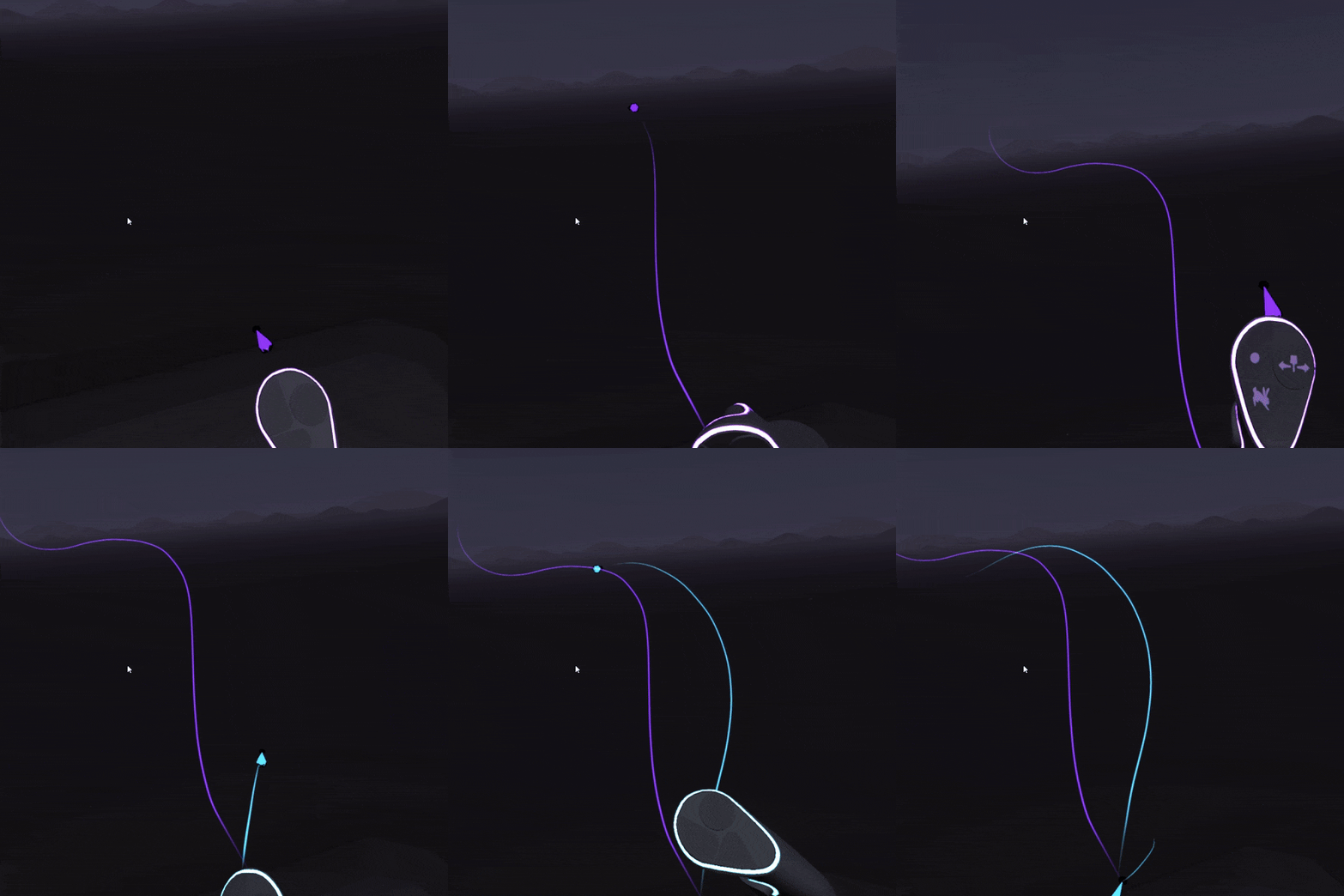
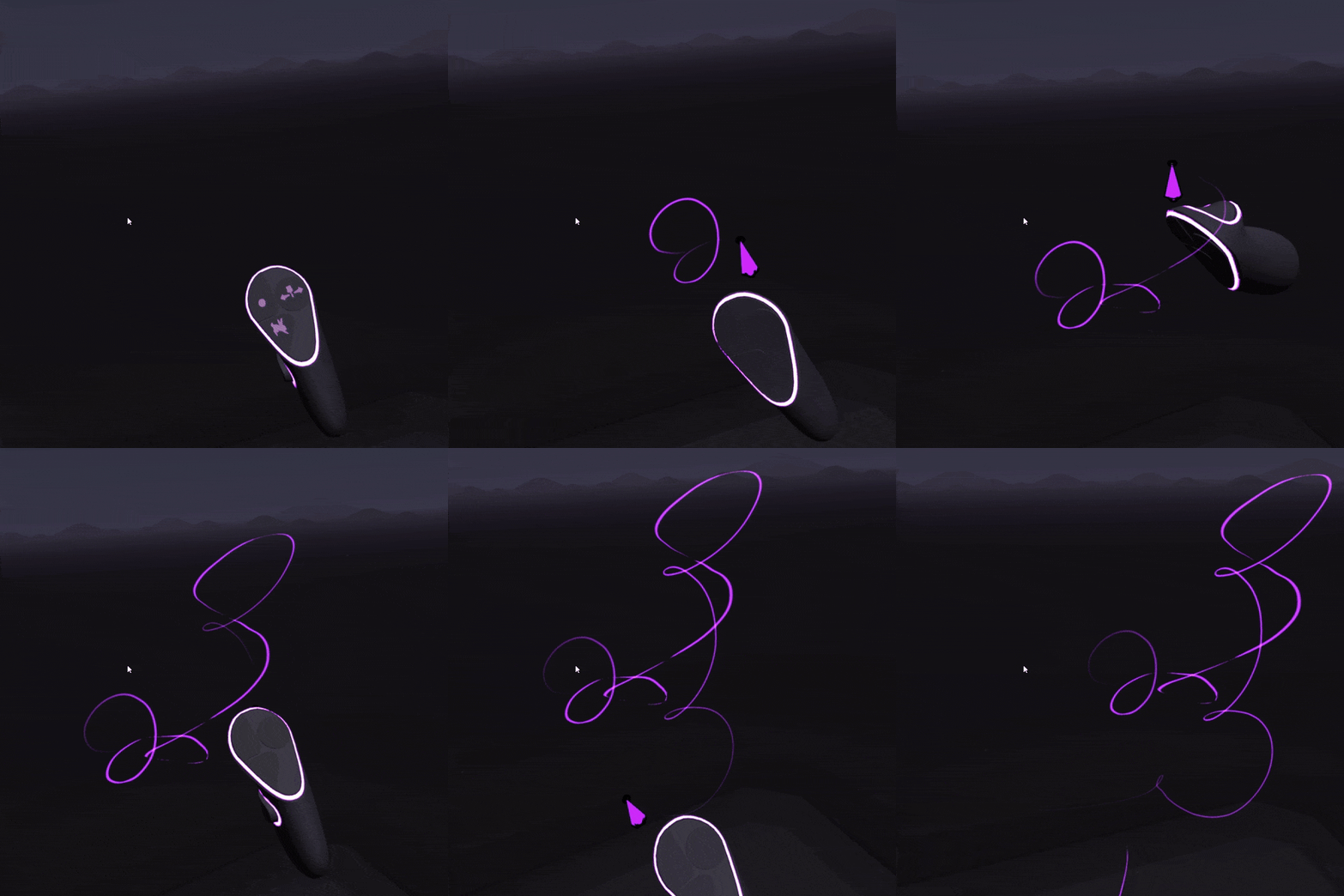
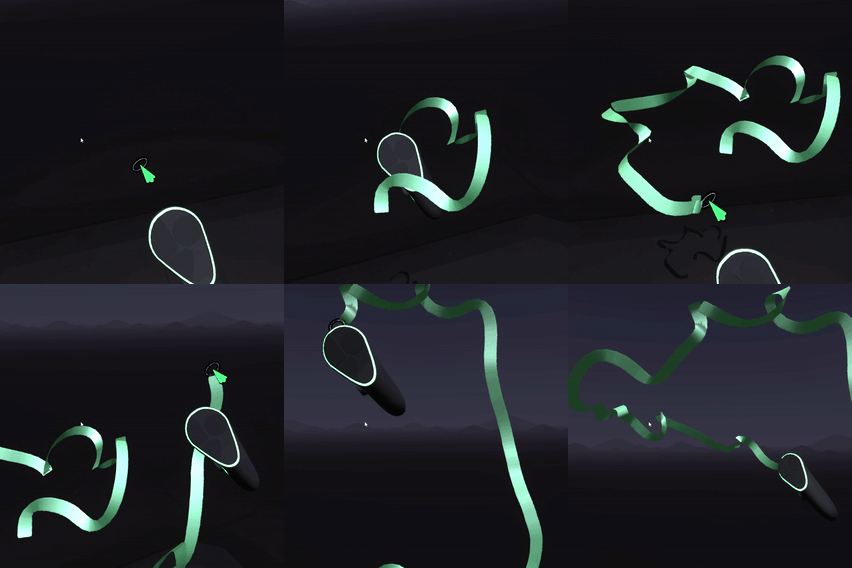
### Ballistic Missile
Launches a line from your brush which you can steer. Similar to [LaserBeam](#laserbeam) except that you can steer the brush stroke as it moves.
#### Parameters
* **Speed:** The speed of the missile
### Dashes
Stops and restarts the stroke at regular intervals as you draw resulting in a dashed line.
#### Parameters
* **Frequency:** How many dashes there are in a given distance. Shorter values gives a result closer to a dotted line.
* **Spacing:** Controls the spacing between dashes
#### Tips
If you use this in conjunction with [Lazy Input Mode](/user-guide/lazy-input.md) then you'll need to draw very slowly on the default settings Dashes.
#### How it works
The script calls`Brush:ForcePaintingOn` and `Brush:ForcePaintingOn` based on the value of `Brush:DistanceDrawn`
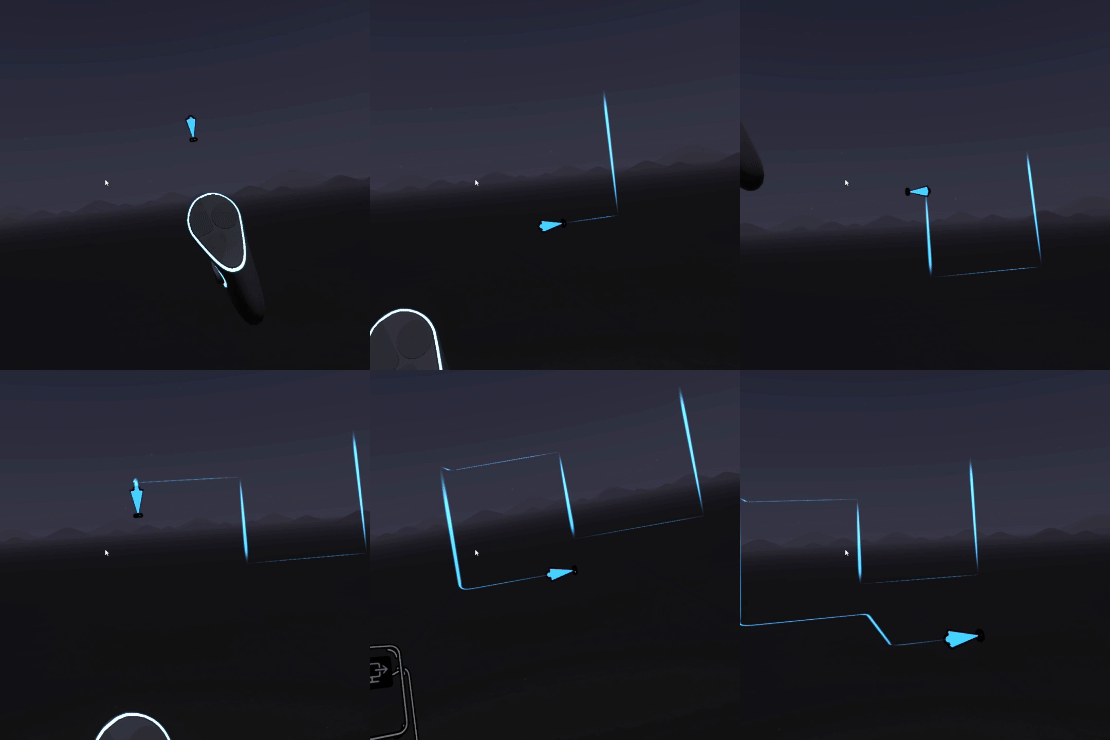
### GridFollow
Locks movement of the pointer to either the x, y or z axis depending on which direction your hand is mostly moving.
#### Parameters
* **Speed:** How fast the pointer can move as it tries to keep up with your hand movements
* **Frames Between Changes:** To avoid creating weird unintended artifacts, the plugin ignores changes of direction that happen too soon after the last one. You can control how many frames a direction is "locked in" here.
#### Tips
Draw slowly and deliberately. It can be tricky to get the hang of initially.
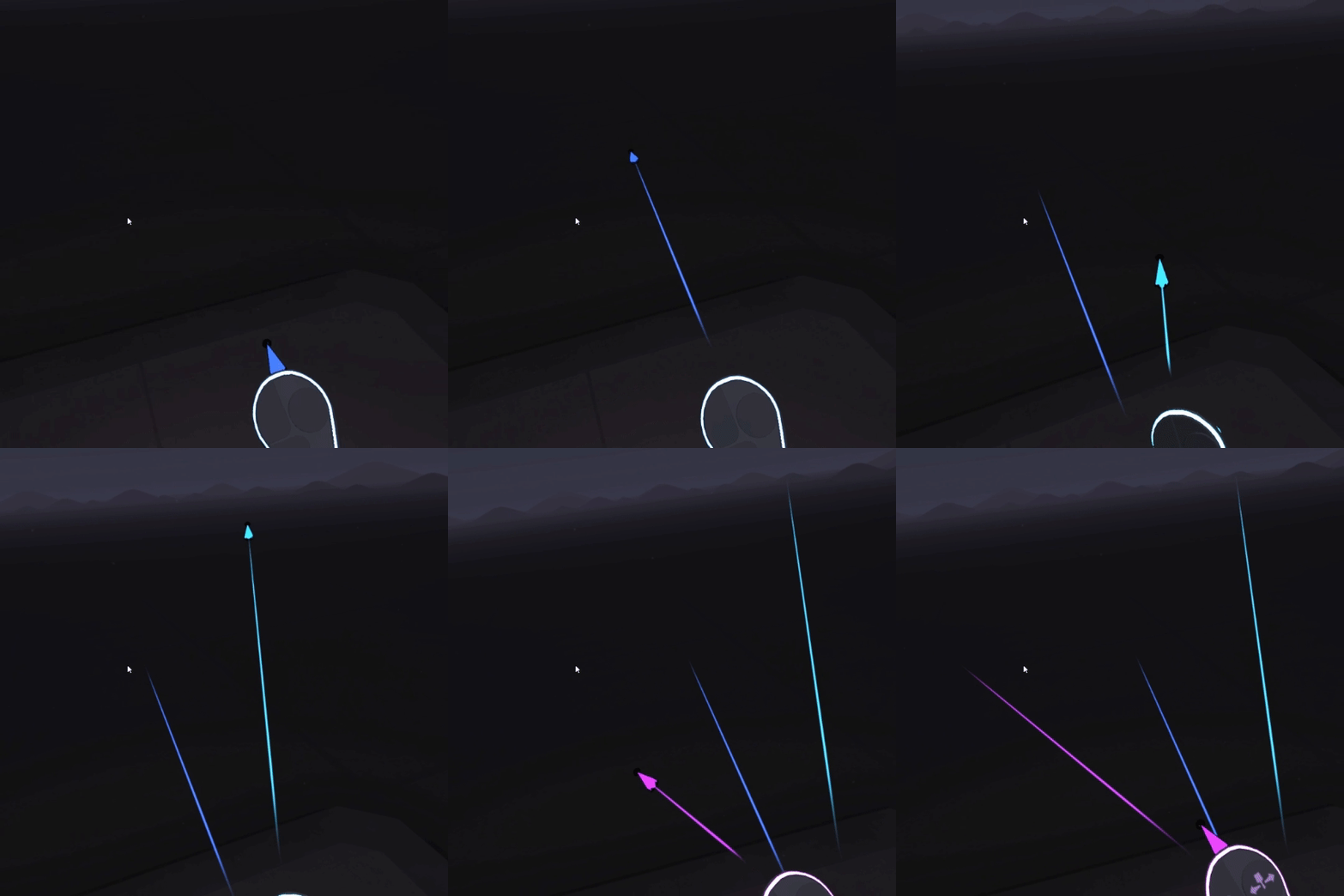
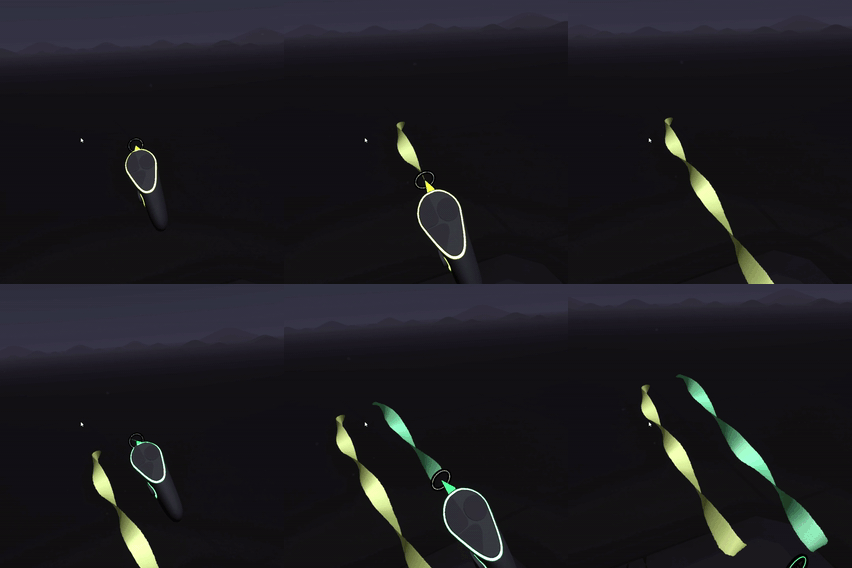
### LaserBeam
The pointer continues moving in the direction you were pointing when you initially pressed the trigger. Pew pew\...
#### Parameters
* **Speed:** The speed of the beam
#### Tips
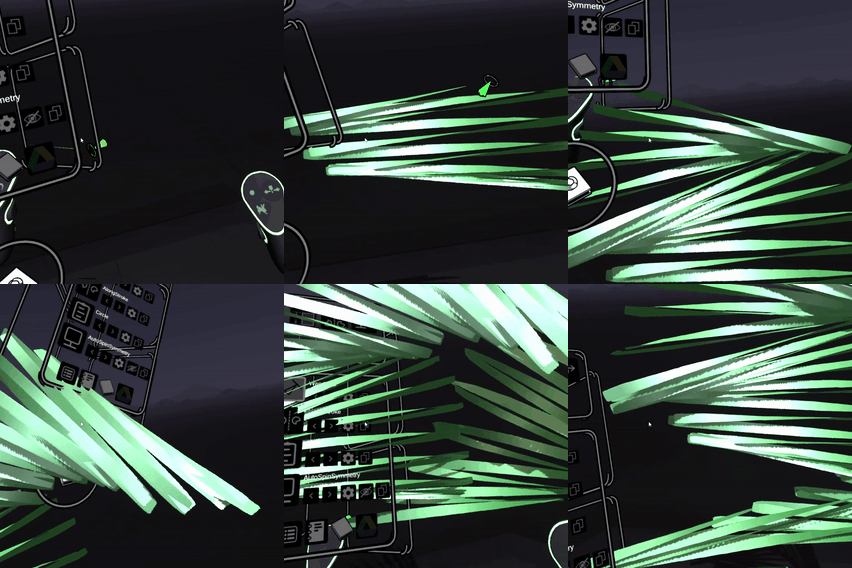
You definitely want to try this in conjunction with Symmetry Plugins - especially if you also spin the mirror widget.
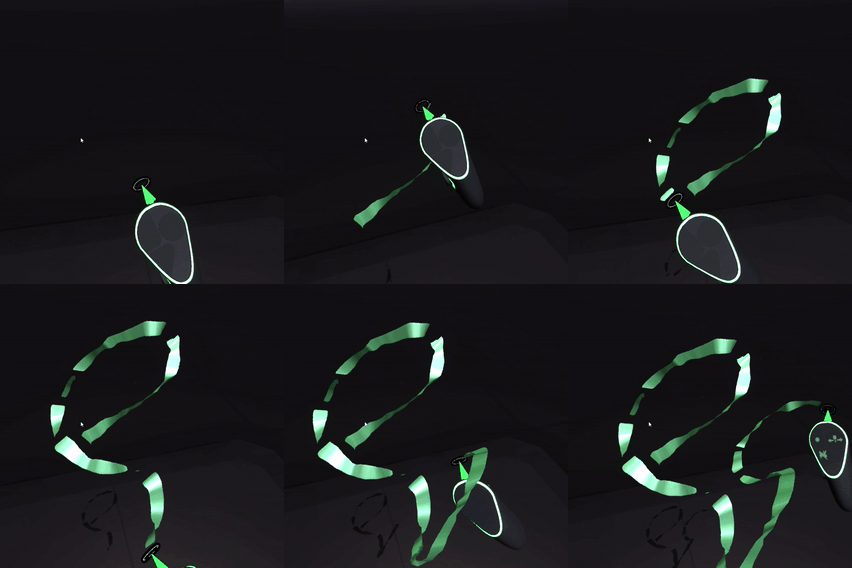
### Loops
The pointer moves around a circlular path with your current hand position as it's center.
#### Parameters
* **Speed:** The speed of the pointer
* **Radius:** The size of the circle it moves around
### Oscilloscope
Control your pointer with multiple waveforms to create patterns
#### Parameters
* **X Waveform Type:** The waveform used along the x axis
* **X Frequency:** The frequency for the x axis waveform
* **Y Waveform Type:** The waveform used along the y axis
* **Y Frequency:** The frequency for the y axis waveform
* **Y Phase:** The phase of the y waveform relative to x
* **Radius:** A scaling factor applied to both axes
**Tips**
The values for waveform type are as follows:
* 0=Linear
* 1=Cosine
* 2=Triangle
* 3=Sawtooth
* 4=Square
* 5=Pulse(0.8)
* 6=Pulse(0.2)
* 7=Exponent
* 8=Power(2)
* 9=Power(0.5)
* 10=Parabolic
* 11=Exponential Sawtooth
* 12=Perlin Noise
* 13=White Noise
* 14=Brown Noise
* 15=Blue Noise
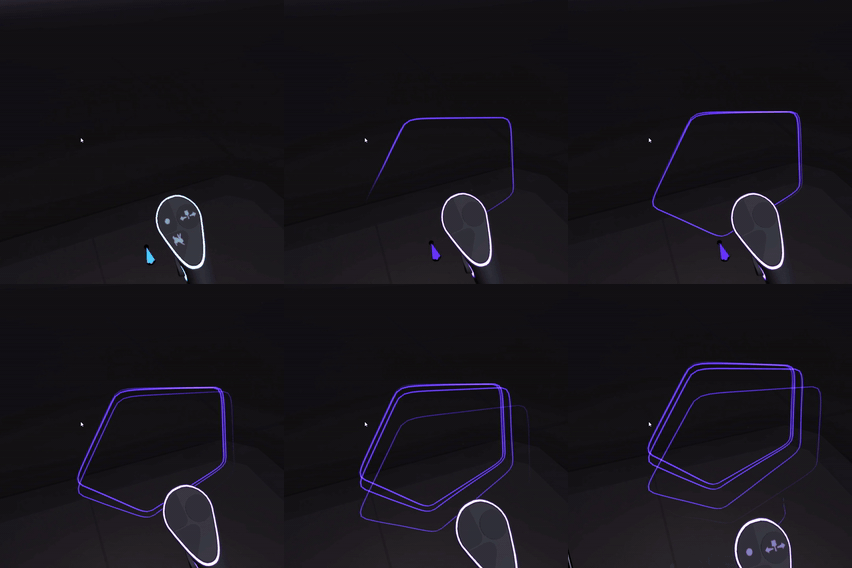
### PolygonBrush
The brush draws a path around your current hand position similar to \[Loops]\(example-pointer-plugins.md#loops) - except the path is a polygon instead of a circle.
#### Parameters
* **Points:** How many sides the polygon has
* **Size:** The outer radius of the polygon
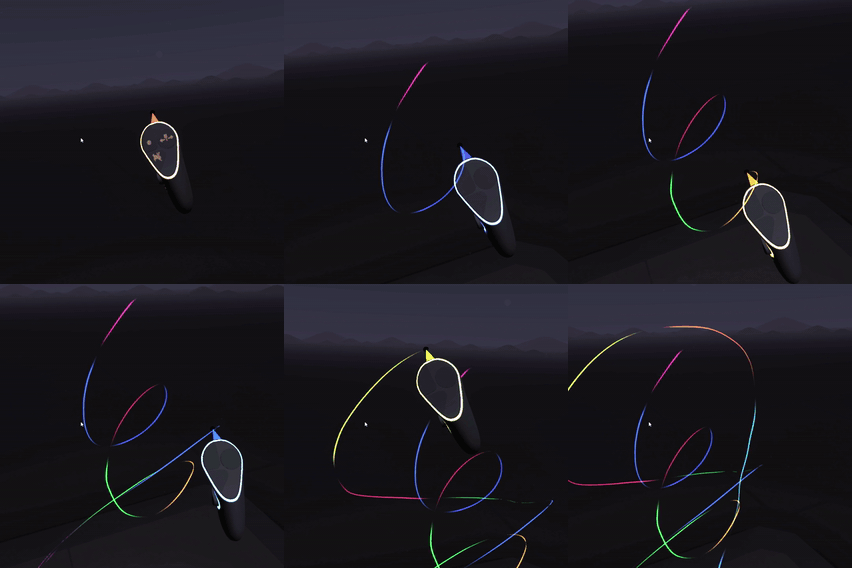
### RainbowStrokes
At regular intervals, ends a stroke and starts a new one with a different color. The effect is similar to dashes but with the smallest possible gap between sections of the stroke.
#### Parameters
* **Rate:** The number of frames between color changes.
* **Hue Shift Frequency:** How fast to cycle the hue
* **Hue Shift Amount:** How much the hue changes
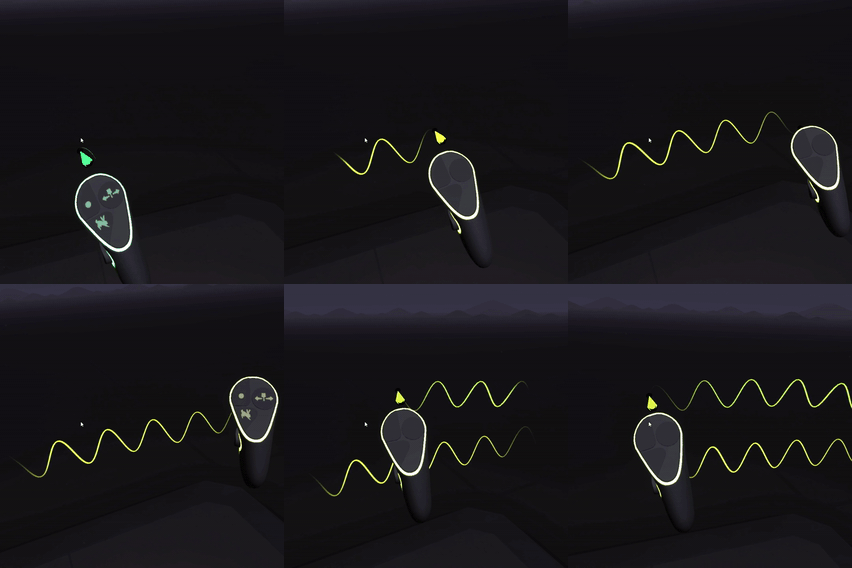
### SineWave
Moves the pointer in a simple wave pattern as you draw.
#### Parameters
* **Frequency:** How close together the peaks of the waveform are
* **Amplitude:** The height of the waveform
### Spherograph
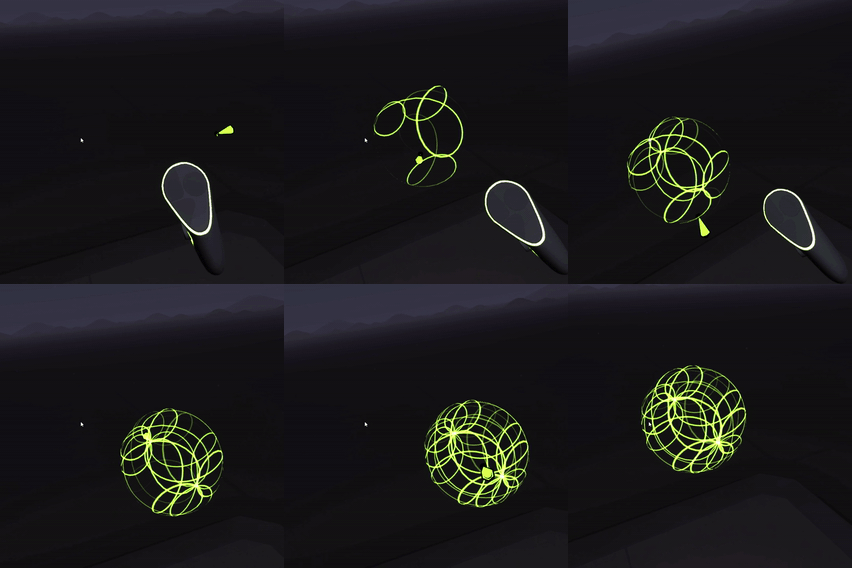
Creates spherical patterns around the initial point you start drawing. The distance you move affects the patterns progress but the position is always centered around the initial point.
#### Parameters
* **U Scaling:** The rate of change of the pattern horizontally around the sphere
* **V Scaling:** The rate of change vertically around the sphere
* **Radius:** The size of the sphere
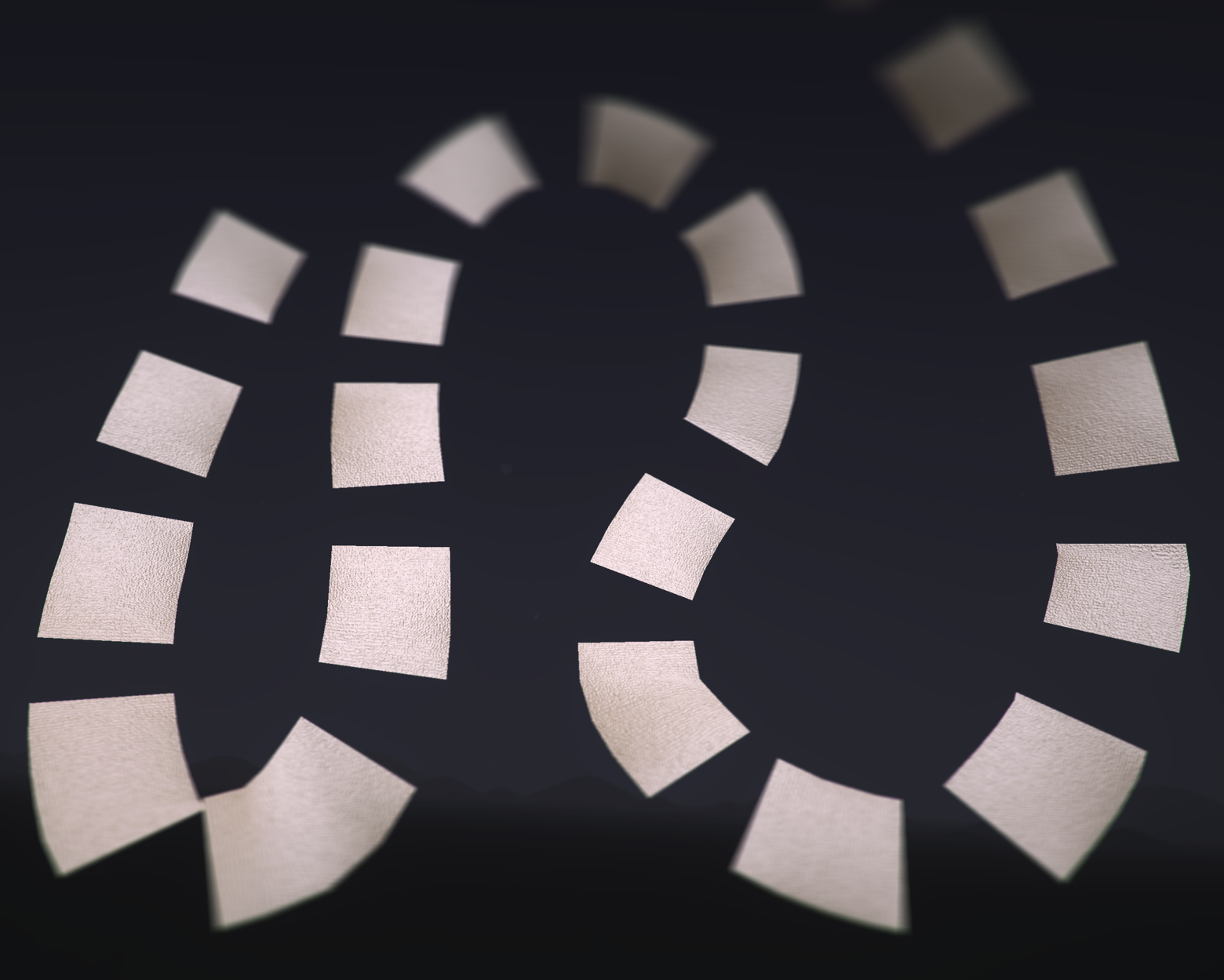
### Spirals
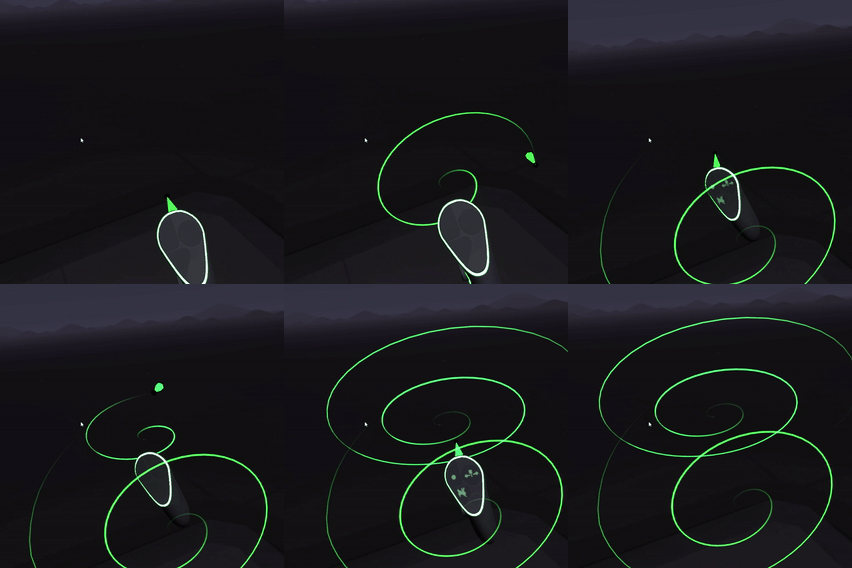
The brush stroke moves in a circle but the radius increases the longer you keep the trigger pressed.
#### Parameters
* **Speed:** Controls the tightness of the spiral via changing the rate at which the pointer rotates around the brush position
* **Radius:** The overall size of the spiral
### Spirograph
Draw a spirograph pattern as you move your brush. Ignores your hand position and simply uses the distance you've moved.
### StringArt
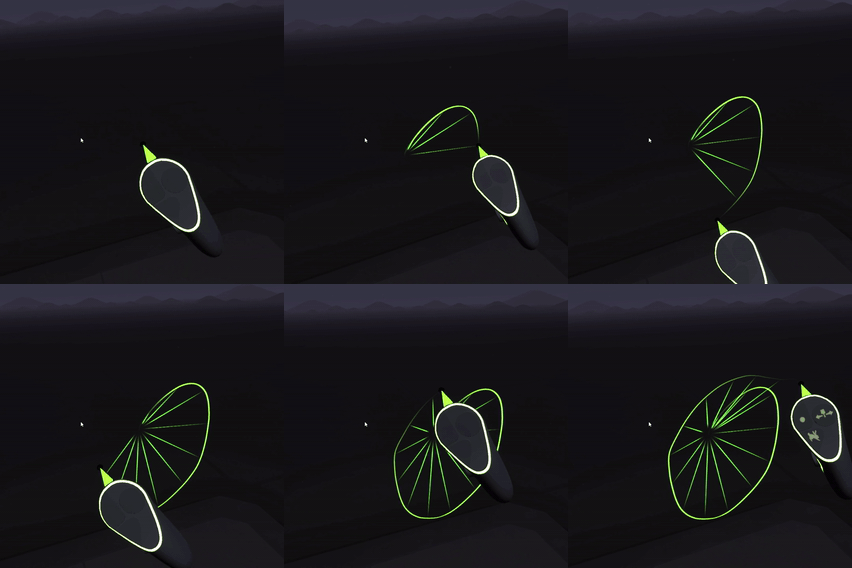
Additional lines are drawn from the initial point you started drawing to your current brush position.
#### Parameters
* **Rate:** How many frames to wait before drawing another connecting line
### Terrain
As you draw you only control the x and z position of the stroke. The y position (the height) is determined by a noise function that maps out hills and valleys.
#### Parameters
* **Scale:** The scale of the terrain. Larger values spread out hills and valleys more, smaller values make them smaller
* **Height:** The height of the terrain. (Scales everything in the vertical direction)
* **Offset:** The starting distance of the terrain off the floor
#### Tips
If you want to use a hull brush then draw small patches or else any valleys will be filled in. For hull style results you will probably be better off using the [low poly landscape Tool Plugin](/user-guide/using-plugins/example-plugins/example-tool-plugins.md#lowpolylandscape)
### Twist
As you draw the position is controlled by your hand as normal. However the orientation of the stroke spins around by itself
#### Parameters
* **Speed:** How fast to spin around the axis
#### Tips
* Try this with a broad flat brush like Paper or a brush that has an interesting profile shape such as Faceted Tube
* This spins around the z-axis. i.e. the direction your brush is pointing. You will only see an effect of you draw strokes forwards or backwards along this axis.
### WandLerp
The brush position cycles back and forth between your brush hand and your other hand. Paint with both hands for a change...
#### Parameters
* **Frequency:** The speed to oscillate between the brush and the wand
* **Amplitude:** Controls how much to move. 0 is just the midpoint between both hands, 1 will reach both hands, 2 will overshoot both hands
#### Tips
Move your hands close together or further apart to see different effects
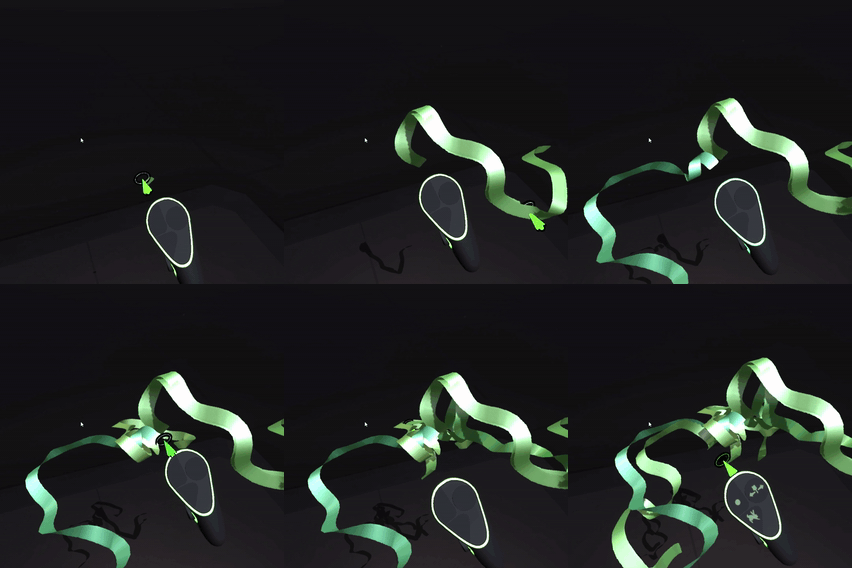
### Wander
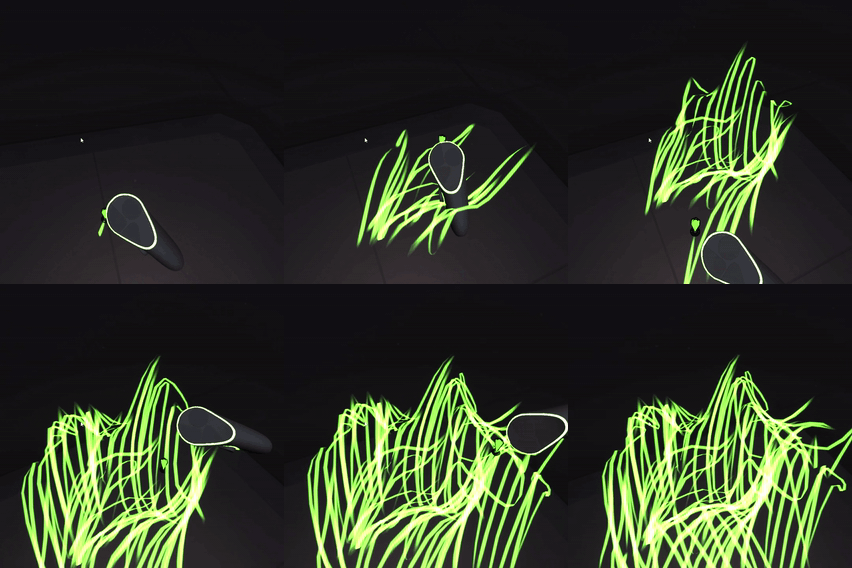
The brush stroke wanders off in random directions while you hold the trigger
#### Parameters
* **Speed:** How fast the pointer should move
* **Frames Per Path:** After this many frames, the stroke is restarted from the current brush position
### Wiggle
Randomizes the brush position
#### Parameters
* **Wiggle Amount:** The amount of randomness to add to the brush position
### Wobble
Like Wiggle but uses a smooth noise function
#### Parameters
* **Position Amount:** The amount the noise affects the brush position
* **Rotation Amount:** The amount the noise affects the brush orientation
* **Frequency:** The scale of the noise function (higher = more jagged)
---
# Agent Instructions
This documentation is published with GitBook. GitBook is the documentation platform designed so that both humans and AI agents can read, navigate, and reason over technical content effectively. Learn more at gitbook.com.
## Querying This Documentation
If you need additional information that is not directly available in this page, you can query the documentation dynamically by asking a question.
Perform an HTTP GET request on the current page URL with the `ask` query parameter, and the optional `goal` query parameter:
```
GET https://docs.openbrush.app/user-guide/using-plugins/example-plugins/example-pointer-plugins.md?ask=&goal=
```
`ask` is the immediate question: it should be specific, self-contained, and written in natural language.
`goal` is optional and describes the broader end goal you are ultimately trying to accomplish on behalf of the user. GitBook uses it to tailor the answer towards what is most useful for that goal.
The response will contain a direct answer to the question and relevant excerpts and sources from the documentation.
Use this mechanism when the answer is not explicitly present in the current page, you need clarification or additional context, or you want to retrieve related documentation sections.